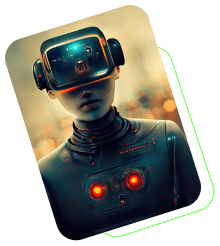
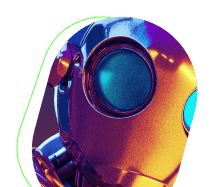

Midjourney V6 has brought a new level of realism to AI-generated art. To truly unlock its potential, you need to understand the new parameters and how they interact with your prompts.
The --stylize Parameter
The --stylize parameter (or --s) controls how much of Midjourney's artistic training is applied to your image. A lower value like --s 50 results in a more literal interpretation of your prompt, while --s 1000 adds significant artistic flair.
Using --ar for Composition
Aspect ratio (--ar) is crucial for setting the right mood. Use --ar 16:9 for cinematic landscapes and --ar 9:16 for social media stories. V6 handles these ratios better than ever, maintaining detail across the entire frame.
Text Rendering in V6
One of the biggest upgrades in V6 is the ability to render text. Simply wrap your text in quotation marks within the prompt, like 'a sign that says "Welcome Home"', and watch the magic happen.


Comments
Comments are closed.