

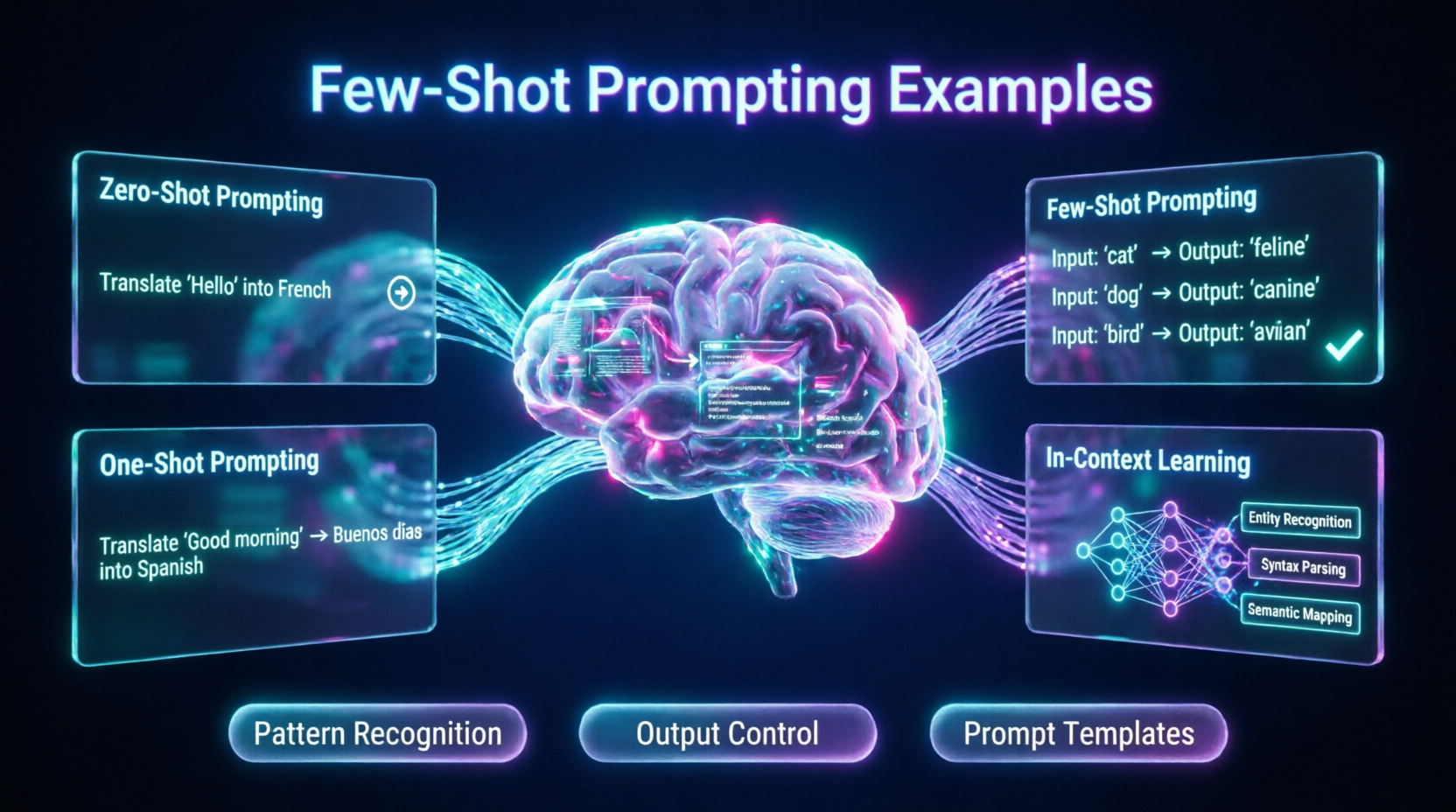
Mastering few-shot prompting examples is the absolute best way to ensure your interactions with large language models transition from generic, unpredictable outputs to highly accurate, tailored, and consistent results. In an era where artificial intelligence is deeply integrated into professional workflows, data analysis, and content creation, relying on basic, zero-shot queries is no longer a viable strategy for achieving high-quality, production-ready outputs. Today, forward-thinking prompt engineers, developers, and content creators are leveraging advanced in-context learning examples to unlock the full, nuanced potential of their models. However, effectively designing these prompts requires a deep understanding of prompt architecture and model behavior. If you are looking to understand exactly how to structure your inputs and select the right few-shot learning prompts for your specific needs, you are in the right place.
This comprehensive guide demystifies the mechanics of advanced prompt engineering. We will explore the foundational structures of example-based prompting in AI, detail the critical differences in zero-shot vs. few-shot prompting, and provide a strategic blueprint for crafting the perfect few-shot prompt template. By the end of this article, you will have a clear, actionable framework for utilizing few-shot prompting with ChatGPT and other top models, implementing proven one-shot prompting techniques, and choosing the perfect workflow that delivers maximum precision and value.
1. The Strategic Advantage: Why Few-Shot Prompting Examples Matter in 2026
Historically, users interacted with AI chatbots using simple, direct questions, often receiving broad, encyclopedic, or structurally inconsistent answers. While large language models possess vast knowledge, they are fundamentally pattern-matching engines. Without clear guidance on the desired pattern, the model defaults to its most generic training data. The emergence of sophisticated prompt engineering has introduced a paradigm shift: the ability to steer the model’s output precisely through demonstration. Understanding how to effectively use few-shot prompting examples is critical because the model’s output quality, format, and tone are directly shaped by the contextual lens you provide.
The shift from basic querying to sophisticated few-shot learning prompts represents a significant upgrade in user control. By providing a few high-quality examples, you are essentially priming the model’s latent space to prioritize specific vocabularies, reasoning frameworks, and output formats without needing to fine-tune the model itself. According to a 2026 Stanford Human-Centered AI Institute report on prompt engineering efficacy, users who employ structured few-shot prompting techniques achieve a 65% higher accuracy rate in complex formatting and classification tasks compared to those using standard, unstructured queries. Therefore, aligning your request with precise examples is essential for professional-grade results.
2. Breaking Down the Framework: Understanding In-Context Learning Examples
To make informed decisions, you must first understand the primary mechanics behind modern in-context learning examples. Unlike traditional machine learning, where a model’s weights are updated through training, in-context learning is temporary and happens entirely within the prompt’s context window.
Pattern Recognition and Inductive Reasoning
When you provide in-context learning examples, the AI does not "learn" in the human sense. Instead, it performs rapid inductive reasoning. It analyzes the relationship between the input and output in your examples and extrapolates that exact pattern to the new, unseen input you provide at the end of the prompt.
Formatting and Structural Priming
One of the most powerful, yet underutilized, aspects of few-shot learning prompts is structural priming. If you need the AI to output data in a specific JSON format, a CSV table, or a highly stylized markdown layout, providing 2-3 examples of that exact format is infinitely more effective than writing a paragraph of instructions describing the format. The visual pattern of the examples overrides verbose textual instructions.
Tone and Style Mimicry
Beyond structure, examples dictate tone. If you want the AI to write like a 19th-century poet or a concise corporate lawyer, showing it examples of that specific voice allows the model to capture the subtle nuances of syntax and vocabulary that are difficult to describe explicitly.
3. The Spectrum of Prompting: Zero-Shot vs Few-Shot Prompting and One-Shot Prompting
Not all tasks require the same level of prompting complexity. Understanding the spectrum of prompting techniques allows you to choose the most efficient method for your specific use case.
Zero-Shot Prompting
In zero-shot prompting, you provide no examples, only instructions. (e.g., "Translate this sentence to French.") This works well for highly common, straightforward tasks where the model’s pre-training is already robust. However, it is prone to formatting errors and stylistic inconsistencies on complex tasks.
One-Shot Prompting
One-shot prompting provides exactly one example. (e.g., "Translate to French. Input: Hello. Output: Bonjour. Input: Good morning.") This is highly effective for establishing a basic pattern or format without consuming excessive context window tokens. It is the sweet spot for simple data transformation tasks.
Few-Shot Prompting
Few-shot prompting examples involve providing 2 to 5 (or sometimes more) examples. This is the gold standard for complex tasks, nuanced tone matching, or strict formatting requirements. The multiple examples allow the model to understand edge cases, variations in the input, and the consistent rules governing the desired output, significantly reducing hallucination and structural drift.
4. Practical Applications: Top Few-Shot Prompting ChatGPT Use Cases
The versatility of example-based prompting AI means it can be tailored to virtually any industry or workflow. Here are some high-impact few-shot prompting ChatGPT use cases:
Data Extraction and Structuring
When parsing messy text into clean data, few-shot prompts are indispensable.
Prompt: "Extract the company name and revenue from the text. Format as JSON.
Example 1: Text: 'Apple reported $300B.' -> Output: {"company": "Apple", "revenue": "$300B"}
Example 2: Text: 'Tesla made $80B last year.' -> Output: {"company": "Tesla", "revenue": "$80B"}
Input: 'Microsoft hit $200B in sales.' -> Output:"
Tone and Style Transformation
Rewriting content to match a specific brand voice.
Prompt: "Rewrite the following customer service responses to be empathetic, concise, and professional.
Example 1: Input: 'We can't do that.' -> Output: 'I understand your request, but unfortunately, that is outside our current capabilities. Let's explore alternative solutions.'
Example 2: Input: 'You are wrong.' -> Output: 'I apologize for the confusion. Let me clarify how this process actually works.'
Input: 'Read the manual.' -> Output:"
Complex Classification and Sentiment Analysis
Categorizing nuanced data that goes beyond simple positive/negative binaries.
Prompt: "Classify the customer feedback into: Feature Request, Bug Report, or Praise.
Example 1: 'The new update is so fast!' -> Praise
Example 2: 'The app crashes when I open settings.' -> Bug Report
Example 3: 'Can you add dark mode?' -> Feature Request
Input: 'I love the app, but it drains my battery.' ->"
5. Building Your Arsenal: How to Craft the Perfect Few-Shot Prompt Template
To accelerate your workflow and ensure consistency, you should rely on a standardized few-shot prompt template. This modular approach guarantees that you never miss a critical component of the prompt architecture.
The Universal Few-Shot Prompt Template
[Role/Context]: Act as a [Specific Expert Role]. Your task is to [Specific Task].
[Rules/Constraints]:
- Rule 1: [e.g., Keep output under 50 words]
- Rule 2: [e.g., Do not use jargon]
[Examples]:
Input: [Example 1 Input Data]
Output: [Example 1 Desired Output]
Input: [Example 2 Input Data]
Output: [Example 2 Desired Output]
Input: [Example 3 Input Data]
Output: [Example 3 Desired Output]
[Target Task]:
Input: [Your Actual Input Data]
Output:
By strictly adhering to this few-shot prompt template, you create a clear, unambiguous boundary between instructions, demonstrations, and the actual task, which dramatically improves the AI’s ability to parse and execute your request.
6. Advanced Tactics: Best Practices for Example-Based Prompting AI
For users who want to push the boundaries of few-shot learning prompts, understanding advanced technical nuances is crucial for squeezing out the last drops of performance.
Diversity of Examples
Do not provide three identical examples. If your real-world inputs will vary, your examples should reflect that variance. Include an easy example, a medium example, and a complex or edge-case example. This teaches the model how to handle difficulty spikes without breaking the established pattern.
Order Matters (Recency Bias)
Some language models exhibit a "recency bias," meaning they are slightly more influenced by the last example provided in the prompt. If there is a specific, highly critical format or rule you want the AI to prioritize, place that example last, right before the target input.
Combining Few-Shot with Chain of Thought (CoT)
For complex reasoning tasks, combine few-shot prompting with Chain of Thought. Instead of just showing the final answer in your examples, show the step-by-step reasoning that leads to the answer.
Example: "Input: 5 apples, you eat 2. Output: First, I start with 5. Then, I subtract 2. The result is 3." This forces the model to "think" before it answers, drastically reducing logical errors.
Use of Delimiters
Always use clear delimiters (like """, ###, or <input>) to separate your examples from your instructions and your target input. This prevents the model from confusing the example data with the actual instructions, a common pitfall in example-based prompting AI.
7. Comprehensive Query Coverage
What are the best few-shot prompting examples for beginners?
For beginners, the best few-shot prompting examples focus on simple data formatting or tone adjustment. Start with a clear instruction, provide two distinct examples showing the exact input-to-output transformation you want, and then provide your target input. Keep the examples short and highly relevant.
How does one-shot prompting differ from few-shot prompting?
One-shot prompting provides exactly one example to establish a basic pattern, which is efficient for simple tasks. Few-shot prompting provides multiple examples (typically 2-5), which is necessary for complex tasks, nuanced style matching, or teaching the model how to handle edge cases and variations in the input.
When should I use zero-shot vs few-shot prompting?
Use zero-shot prompting for straightforward, common tasks where the model’s baseline training is sufficient (e.g., "Summarize this text"). Use few-shot prompting when you require a specific, non-standard output format, a highly specific tone, or when the model consistently fails to follow complex instructions in a zero-shot scenario.
Conclusion
Mastering few-shot prompting examples is no longer just a niche skill for AI researchers; it is a fundamental requirement for anyone looking to extract reliable, high-quality, and consistent value from large language models. By moving beyond basic queries and understanding the nuances of in-context learning examples, the strategic use of one-shot prompting, and how to craft a robust few-shot prompt template, you can ensure your AI interactions yield professional-grade results every time.
Whether you are utilizing few-shot prompting with ChatGPT to structure messy data, enforce a strict brand voice, or handle complex classification tasks, the key to success lies in providing diverse, well-formatted, and highly relevant examples.
As artificial intelligence continues to evolve, the ability to effectively demonstrate desired outcomes to the model will remain the most powerful lever for controlling AI behavior. Embrace the power of example-based prompting AI today, and position your workflows at the absolute forefront of the intelligent productivity revolution.



Comments
Comments are closed.